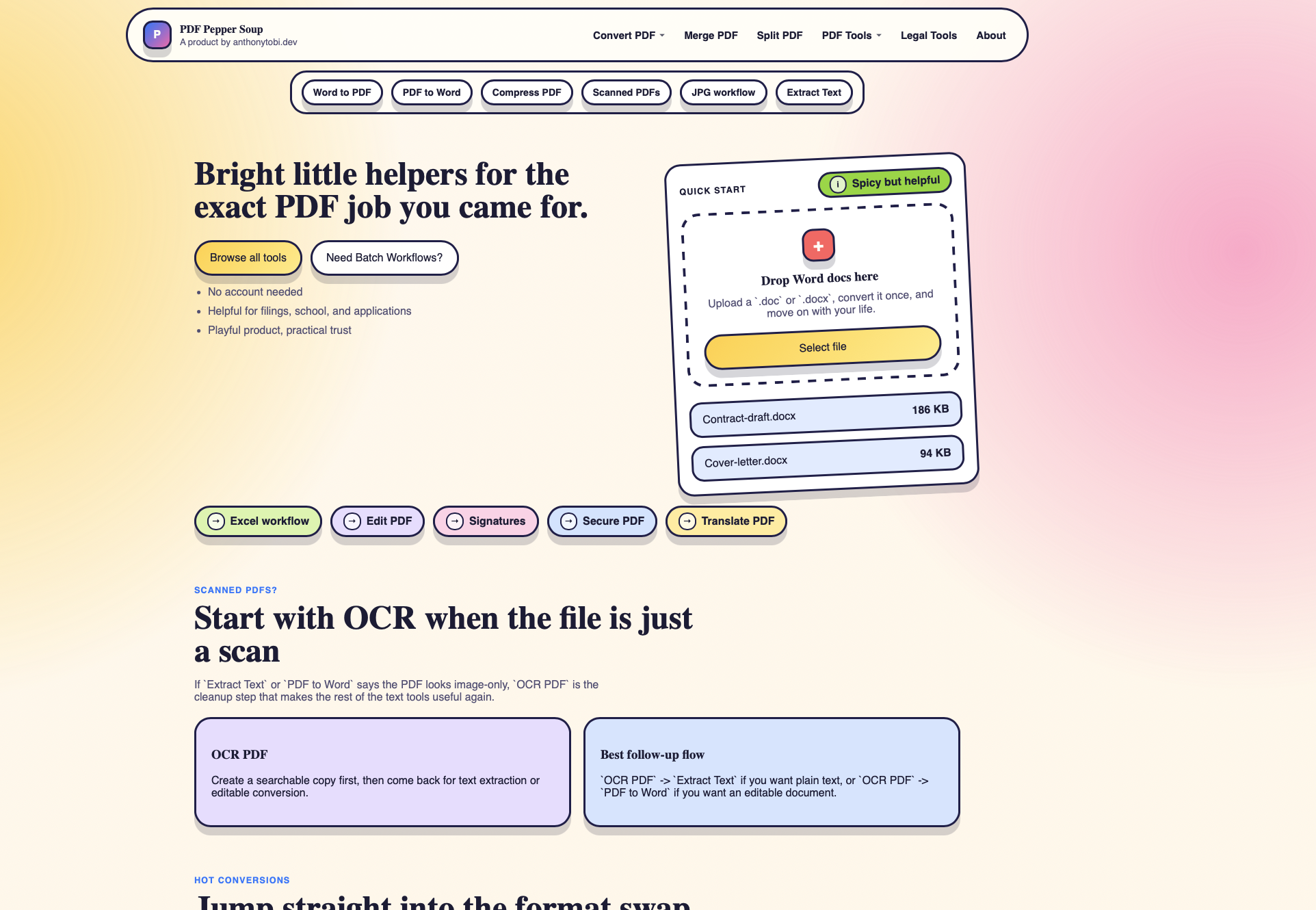
PDF Peppersoup is for the exact PDF job you came for.
Sometimes that job is simple: merge three files, compress a heavy upload, extract text, or turn a Word document into a PDF.
Sometimes it is messier: scanned pages, exhibit bundles, application packs, contract attachments, or a folder full of files with names like scan001.pdf.
The idea is to make the common PDF chores easier to find, easier to run, and less annoying to repeat.
Launch status
PDF Peppersoup is currently in active testing.
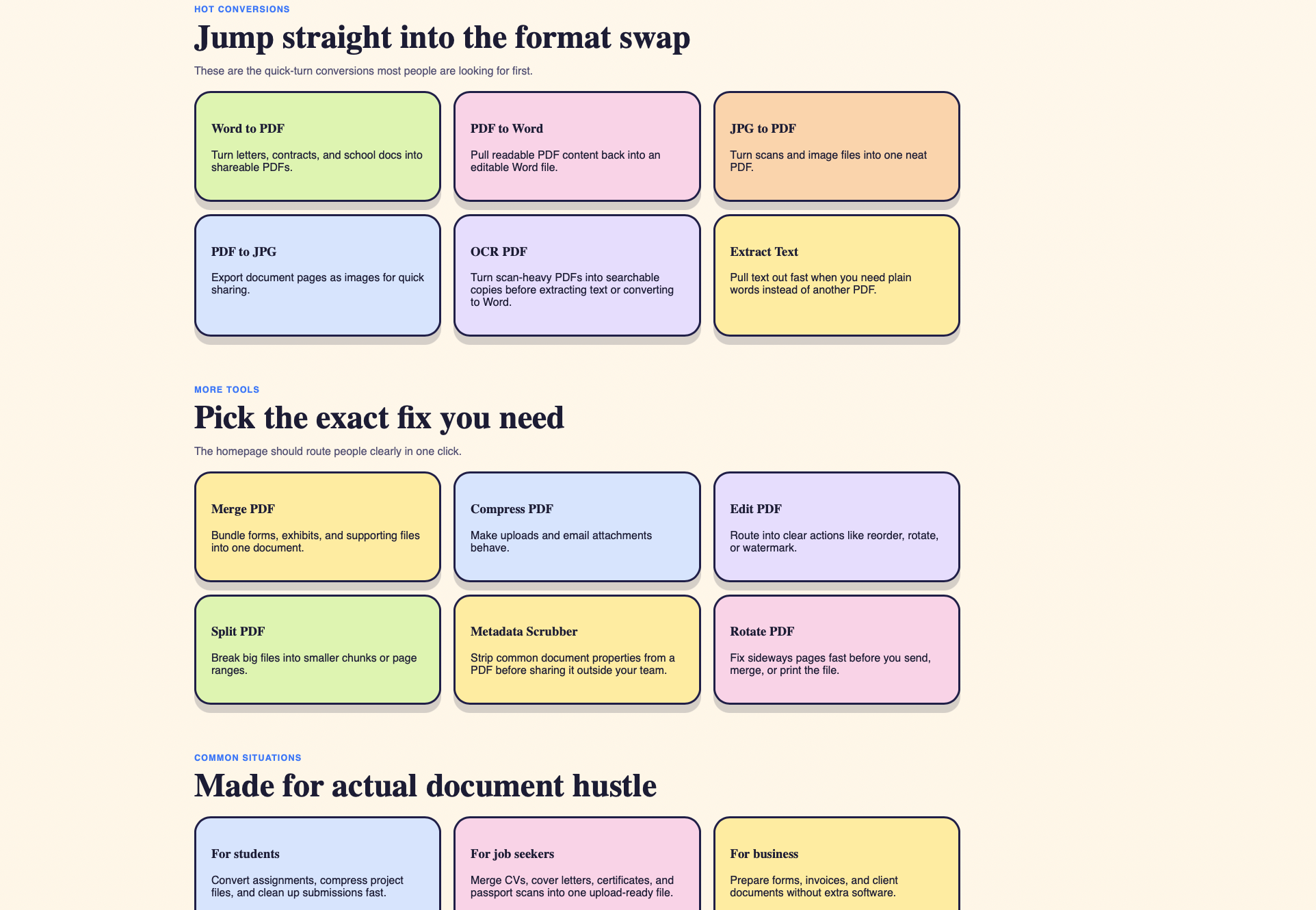
The first launch version is focused on quick PDF utilities and document workflows that people actually search for: conversion, merge, split, OCR, extraction, compression, and a few legal-friendly flows.
What it helps with
- Convert Word files to PDF.
- Convert readable PDFs back to Word.
- Merge multiple PDFs into one document.
- Split large PDFs into smaller files.
- Compress PDFs before upload or email.
- Run OCR when a scanned file needs searchable text.
- Extract text when plain words are more useful than another PDF.
- Support legal and document-heavy workflows where files need order before review.
The first problem it solves
The first problem is not “AI reads every document perfectly.”
The first problem is usually more ordinary:
I have a document task. I know exactly what I need. I do not want to fight the software.
That task might be “merge these exhibits,” “make this scan searchable,” “compress this before filing,” or “pull the text out so I can work with it.”
Who it is for
- Students, applicants, and office workers who need quick PDF fixes.
- Lawyers dealing with exhibits, bundles, forms, and client documents.
- Legal operations teams that handle files in batches.
- Consultants who receive client documents in mixed formats.
- Small teams that do not need enterprise document software.
- Anyone who has stared at
scan001.pdfand felt their spirit leave their body.
Useful situations
- Merge court bundles, exhibits, and supporting files.
- Convert Word letters, contracts, and school documents into shareable PDFs.
- Use OCR before extracting text from scanned PDFs.
- Compress a file before upload.
- Split a large PDF into smaller ranges.
- Pull text from a PDF when you need plain words instead of another file.
Why it exists
PDF work is often small enough to be annoying and common enough to deserve better tools.
The product is intentionally playful, but the need is serious enough. People lose time on file conversion, scans, attachments, application packs, legal bundles, and forms every day.
PDF Peppersoup is meant to make those jobs feel lighter.
What I am testing now
For the launch version, I am testing:
- The main conversion flows.
- Merge and split behavior.
- OCR and text extraction quality.
- File size limits and upload behavior.
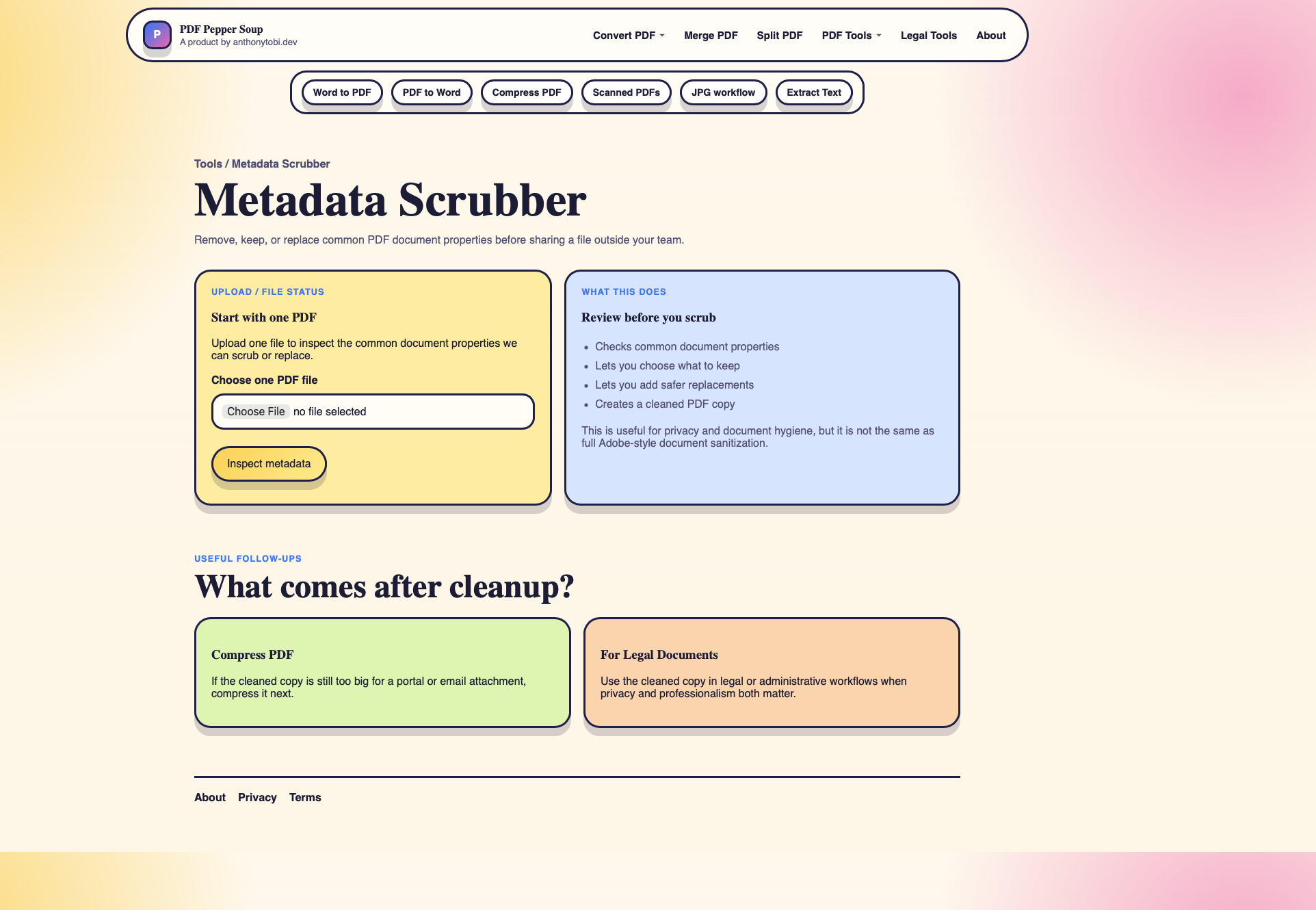
- Whether the homepage routes people to the right tool in one click.
- Which legal/document workflows deserve their own dedicated pages.
Interested in testing?
I am testing features now and aiming for launch soon.
If you have a PDF workflow that causes recurring pain, send me a note. Real examples are more useful than imaginary feature lists.